
Trauma Lab Play Online
Launch the browser version from the game page. Select Run game to start.
- 1
Open the official game page.
- 2
Select Run game.
Every shot has a path. Explore an anatomy and physics sandbox, learn its tools, and take a closer look at what happened.
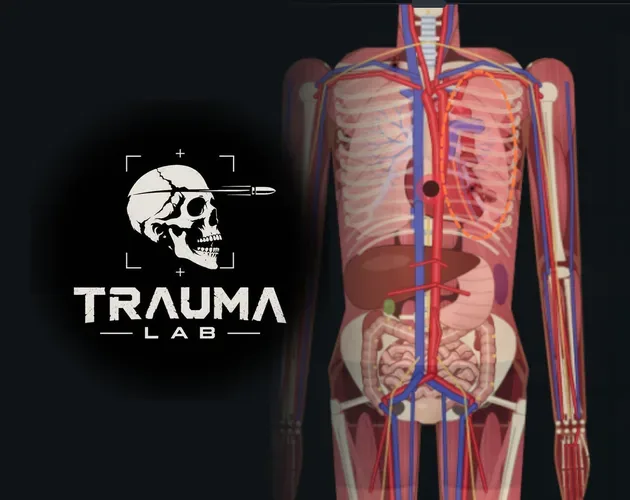
Playing loads media from YouTube.
Learn how Trauma lab bones work in v1.19, use X-ray controls, repair fractures with Bone plate, and understand limb reattachment, pain, and serum effects.
Explore Trauma lab organs in v1.19 with X-ray controls, internal bleeding repairs, donor transplants, and serum differences. Learn which tools to use next.
Learn how Trauma lab skin damage works in v1.19, compare bandages, Burn gel, and Graft, and use sandbox controls to inspect wounds and treat burns in-game.
Learn how Trauma lab tissue damage works in v1.19, inspect wounds, distinguish internal bleeding, and match injuries with the right in-game repair tools.
Learn Trauma lab xray controls, examine injuries, follow bullet paths, and compare anatomy views in v1.19. Use this guide to navigate the sandbox tools.
Write a useful Trauma lab bug report with steps for camera flicker, mobile black screens, lag, and serum issues. Check version details before you submit.
Use this Trauma lab beginner guide to learn sandbox controls, stop bleeding, understand healing tools, and tackle Story mode in v1.19. Start experimenting.
Use this Trauma lab anatomy guide to learn X-ray controls, examine organs, spot internal bleeding, and choose tools for wounds, fractures, and recovery.
Find your Trauma lab download for Windows or Android, explore browser play, compare platform options, and get tips for controls, updates, and lag fixes.
Trauma lab public build vs supporter playtest explained: compare public v1.19, $5 supporter perks, early updates, Discord role, and the Steam launch key.
Trauma Lab is a single-player anatomy and physics sandbox. Follow projectiles through skin, bone and organs, then inspect how the simulation responds.
Play in your browser or choose a downloadable build. Learn the sandbox controls, explore the anatomy tools and compare public updates with supporter playtests.
Launch the browser version from the game page. Select Run game to start.
Open the official game page.
Select Run game.
Choose the Android APK or HTML download. Both listed public files are version 1.19.
TraumaLab-Android-v1.19.apk
TraumaLab-v1.19.html
Start with the anatomy sandbox. Follow how projectiles interact with different body layers.
Explore the single-player sandbox.
Observe bullet paths through skin, muscle, bone and organs.
Every bullet travels through simulated anatomy. Explore interactions across skin, muscle, bone and organs.
Skin, muscle, bone and organs.
Projectiles are tracked through the body.
Know the super serum's limits. It neither revives the subject nor heals limbs.
Super serum does not revive.
Super serum does not heal limbs.
Experiencing lag? Lower the gore level in the options menu.
Open the options menu.
Reduce the gore level.
Compare public and supporter builds. The listed supporter playtest is version 1.20.
Version 1.19.
Playtest version 1.20.
Supporter access costs $5. Benefits include playtests and a Steam key at launch.
Latest builds, playtests and a Discord supporter role.
A Steam key when the game launches.
Open the TraumaLab itch.io game page to play the browser version or choose a download. The page lists Windows and Android support.
In Sandbox, use Space to pause, X for X-ray and Z for Examine. T displays bullet paths and C opens the organ chart. Controls can be remapped.
The public build is v1.19. The $5 supporter option includes access to the latest builds and playtests, a special Discord role and a Steam key when the game launches there.
Lower the gore level in Options when the simulation runs slowly.
Learn the controls, inspect the anatomy and explore the sandbox at your own pace.